Load shedding has eased, but power cuts haven't gone away. Faults, storms, cable theft and maintenance still take the power down, and in the Midlands an outage can last most of a day. When it does, your Wi-Fi goes with it, even though the fibre line itself is usually still working. The fix is small and cheap.
Why the Wi-Fi dies when the power goes
A fibre connection has two boxes: the fibre box on the wall (the ONT) and your Wi-Fi router. Both run on mains power through small adapters. When the power drops, both switch off. The fibre network in the street normally has its own backup, so if you keep those two boxes running, you stay online.
Option 1: A mini DC UPS (best for most homes and small offices)
A mini UPS is a small battery pack that sits between the plug and your router. It powers the router and the fibre box directly and switches over instantly when the power fails, so your video call doesn't drop.
- Cost: about R500 to R1 300.
- Runtime: typically two to four hours for a router and fibre box, and longer with a larger battery.
- Size: about the size of a paperback.
Check these before you buy
- Voltage. Turn the router and the fibre box over and read the label next to the power socket. Most are 12V and some are 9V. The UPS output must match. The wrong voltage can damage the device.
- Current. The label also shows amps, for example 1.5A. The UPS must supply at least that much on each output.
- Number of outputs. You need one for each box, at the right voltage for each.
- Plug size. Good units include several adapter tips.
Option 2: A standard UPS
The beige or black box sold for desktop computers also works, and it can keep a PC running long enough to save your work. It's less efficient for a router alone, because it converts battery power up to mains voltage and the adapter converts it back down. Expect an hour or two, and budget for a replacement battery every few years.
Option 3: An inverter or portable power station
If you need the internet, a laptop, a monitor, a point-of-sale system and lights, a larger inverter with a battery or a portable power station covers the lot. It costs more, but a business that trades through an outage earns it back quickly.
Option 4: Solar for remote equipment
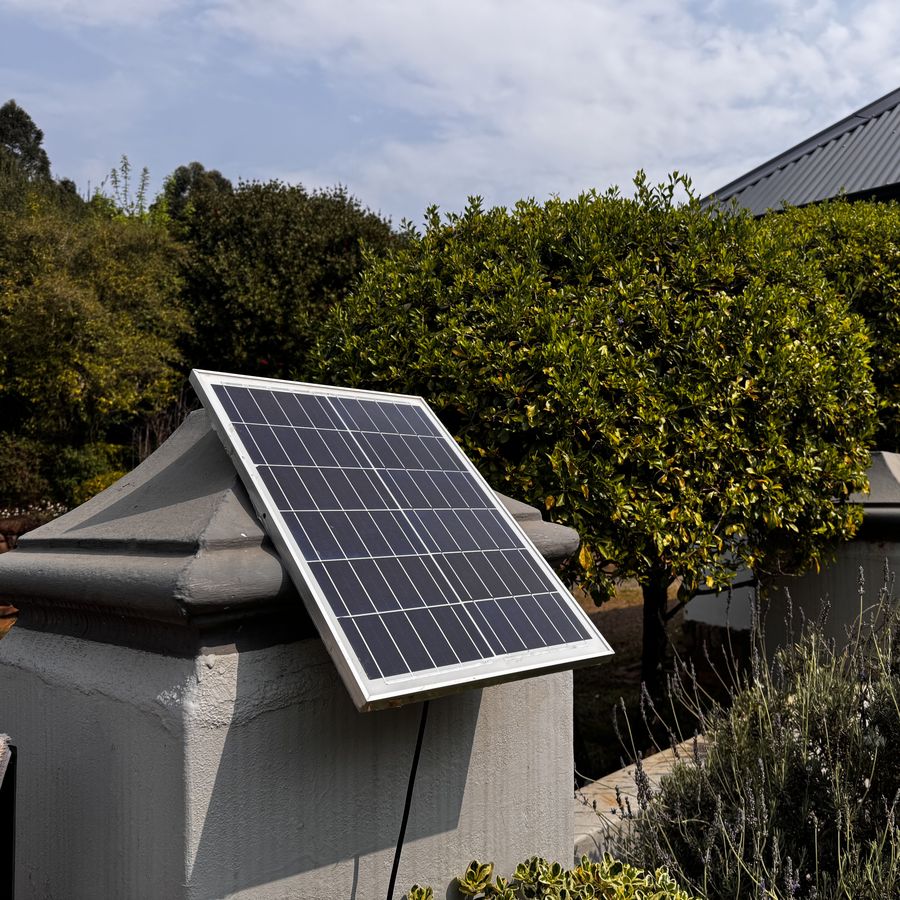
For cameras, gate equipment or a Wi-Fi link to a building with no reliable power, a small solar panel with a battery keeps it running indefinitely. We install these on Midlands properties where running a cable isn't practical.
Things people forget
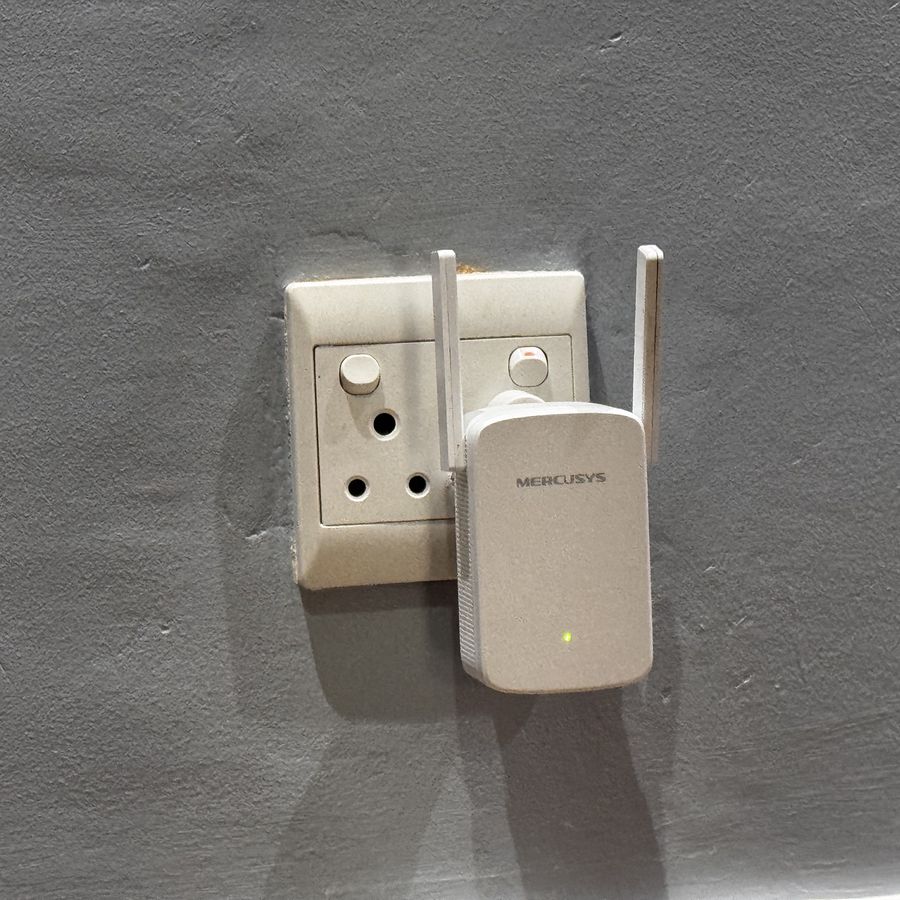
- Mesh units and extenders need power too. If only the main router is backed up, the far rooms still lose Wi-Fi. Add a mini UPS at each unit that matters.
- Network switches and camera recorders. If your cameras run through a switch, it needs backup as well.
- Surges when the power returns. Electronics often fail at the moment the power comes back. Use surge-protected plugs for the router, fibre box and computers.
- Mobile data as a fallback. If the fibre provider's own backup runs flat in a long outage, a phone hotspot or an LTE router gets you through.
For businesses
List what must stay on to keep trading: internet, card machine, point of sale, phones, cameras. Size the backup for those and for the longest outage you realistically see, not for the whole building.
We supply, fit and test backup power for routers, networks and cameras, and label everything so anyone can switch it over. If the Wi-Fi is weak even when the power is on, see how to fix Wi-Fi dead spots.