If the Wi-Fi is fine in the lounge but useless in the back office, the problem usually isn't your internet package. It's the building. Here's how to work out what's wrong and the right fix.
Why Wi-Fi dies in some rooms
- Walls and materials. Face brick, concrete, stone, metal roofs and mirrors all block Wi-Fi. Thick internal walls in older homes and farmhouses are especially bad.
- Router placement. A router in a cupboard, on the floor or at one end of the house leaves the far rooms struggling.
- Distance and interference. Neighbouring networks, microwaves and old devices crowd the signal.
- An old router. Many ISP-supplied routers are the bare minimum.
Find your dead spots first
Walk through the building with your phone and watch the Wi-Fi bars, or run a free speed test in each room and write down the result. Note where the speed halves and where it drops out completely. Two things usually stand out: the rooms furthest from the router, and any room behind a thick or reinforced wall. That map tells you where extra equipment needs to go.
The fixes, from cheapest to best
Move the router
Get it out of the cupboard, off the floor, and as central as the fibre point allows. It costs nothing and sometimes solves the problem.
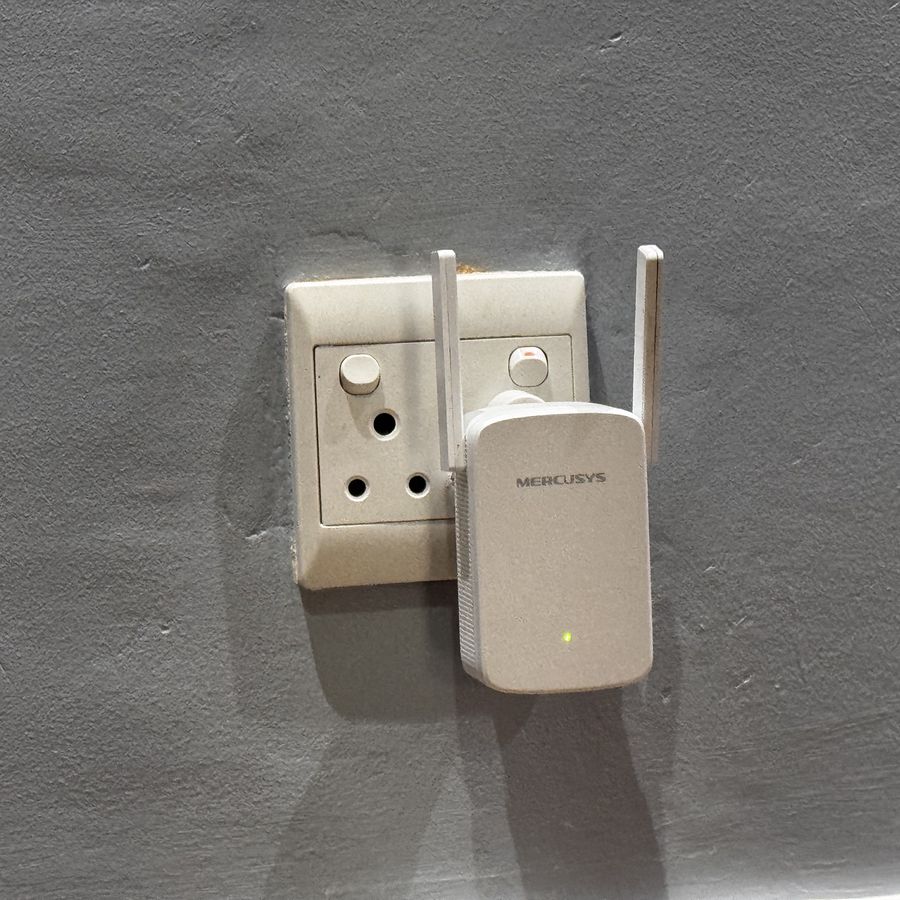
Range extender
A plug-in extender repeats the signal into one weak area. Good for a single room, but it halves speed on the repeated signal and doesn't suit bigger buildings.
Mesh system
Two or three units that work as one network, so devices move between them seamlessly. The best choice for most larger homes and small offices.
Access points on cable
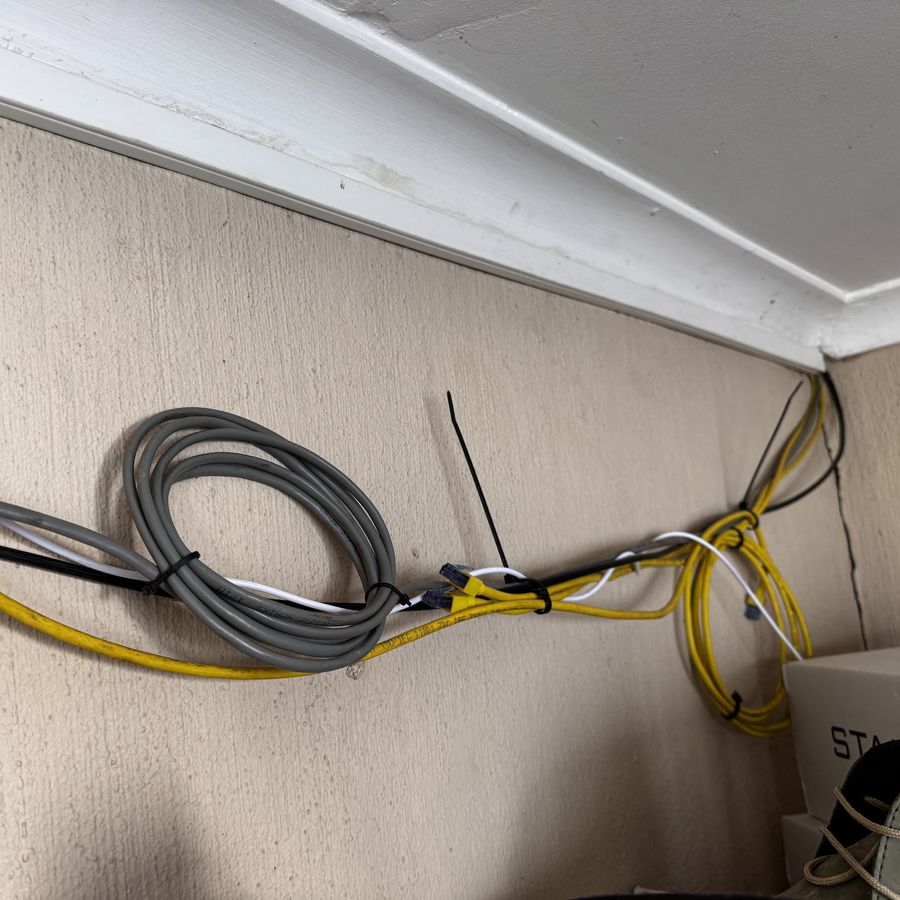
For offices, guesthouses and anywhere that needs reliable speed, running network cable to ceiling or wall access points gives the most stable result.
Outdoor panels and point-to-point links
To reach a garden, cottage, workshop or second building, an outdoor Wi-Fi panel or a point-to-point link bridges the gap without digging trenches.
What each fix costs
| Fix | Best for | Typical hardware cost |
|---|---|---|
| Move the router | Any building | Free |
| Range extender | One weak room | R400 – R900 |
| Mesh system (2–3 units) | Larger homes, small offices | R1 500 – R5 000 |
| Cabled access point | Offices, guesthouses | R1 000 – R2 500 each, plus cabling |
| Outdoor panel or point-to-point link | Cottages, workshops, second buildings | R1 500 – R4 000, plus fitting |
These are ballpark hardware prices for late 2026 and exclude installation.
If it only drops when the power goes
That's a different problem. Your router and fibre box need backup power, not a stronger signal. See how to keep your Wi-Fi on during load shedding and power cuts.
Test before you buy
The expensive mistake is buying a bigger router when the real problem is two walls and a distance. We map where the signal actually fails before quoting, then recommend the smallest fix that works.